◈How2GetIt.Find your game ↗
WHERE & HOW TO FARM

Neural-Quantum Processor acquisition

Build a Quantum Encoder and feed it from the corresponding ingredient lines. Do not look for a processor deposit; this item is manufactured. Provide a fluid output connection for Dark Matter Residue and account for the Quantum Encoder's variable power use.

FIND THE ACTUAL LOCATION

Satisfactory resource & collectible map

Open full map ↗

Filter a resource, then select a marker or location below for its purity, elevation and coordinates. The map is hosted here.

Standard resource types and purity · Game-data snapshot 1.2.3.1. Randomized worlds differ. Nearby markers may be separated by cliffs or caves.

62 Coal locations
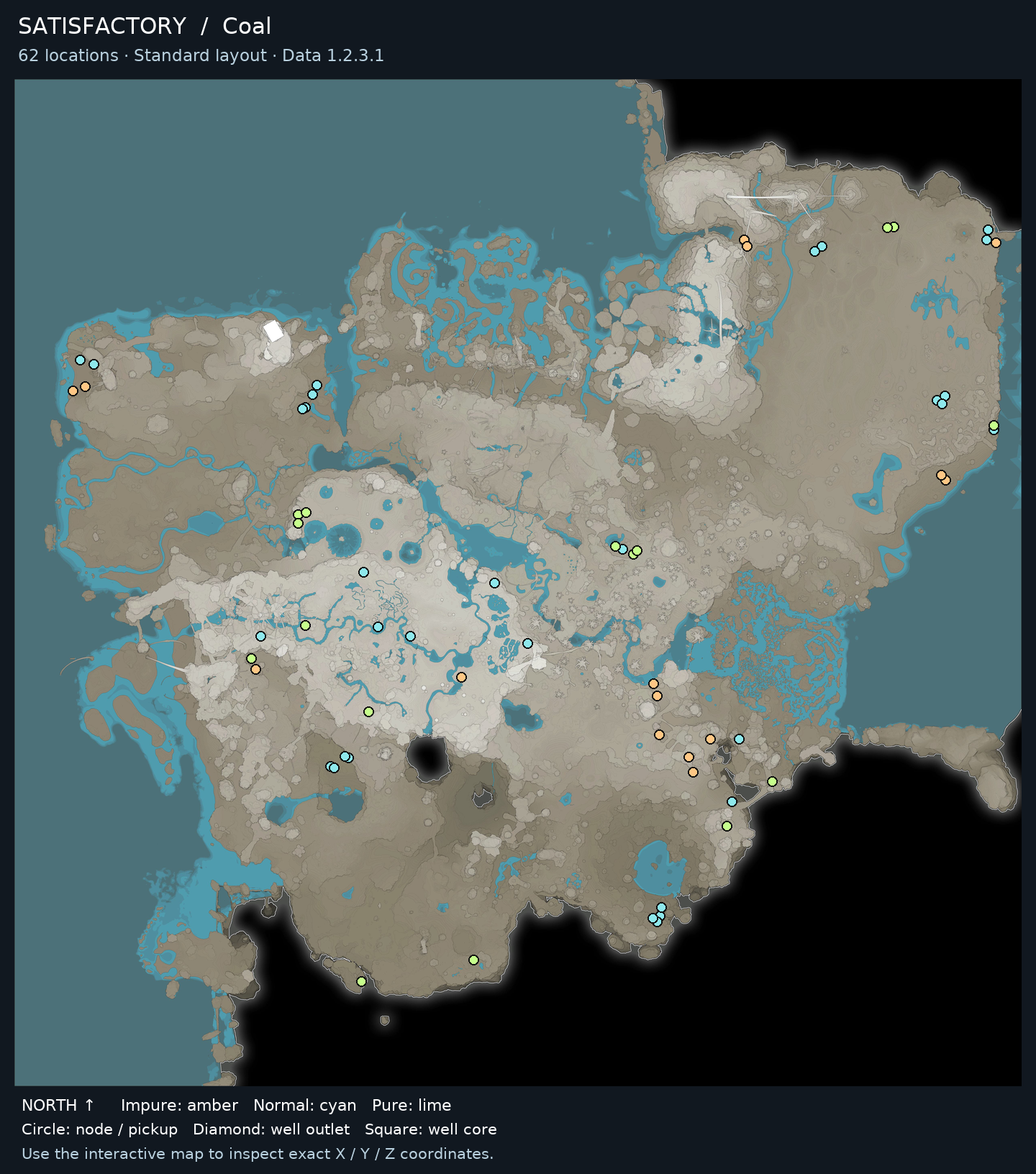
Coal locations on the Satisfactory terrain map, with purity and well markers
Coal locations · Select a marker to inspect its coordinates.

● Impure: amber● Normal: cyan● Pure: lime◆ Well outlet■ Well core
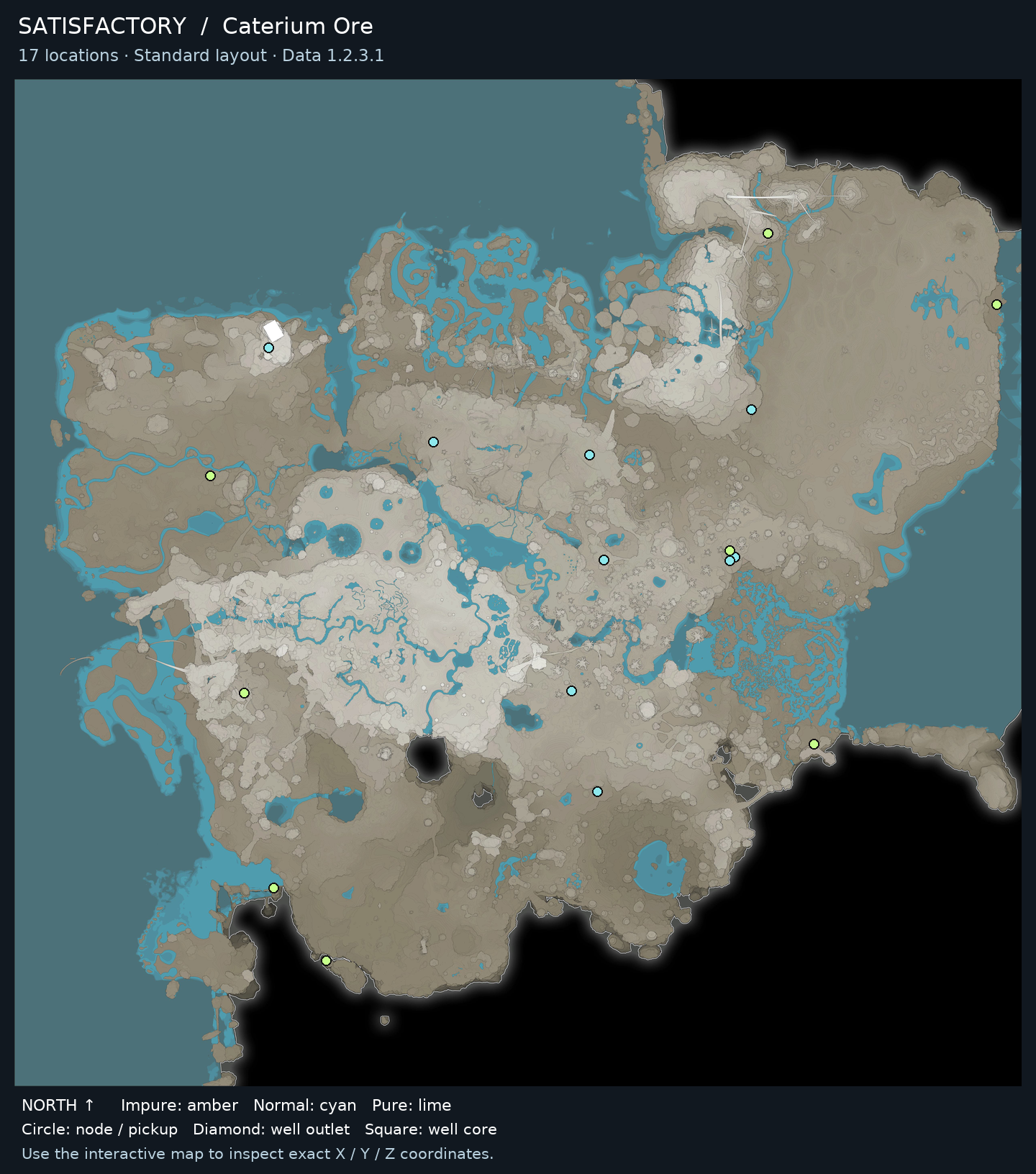
More resource maps for this guide
Caterium Ore locations on the Satisfactory world map · Standard resource layout · Data 1.2.3.1
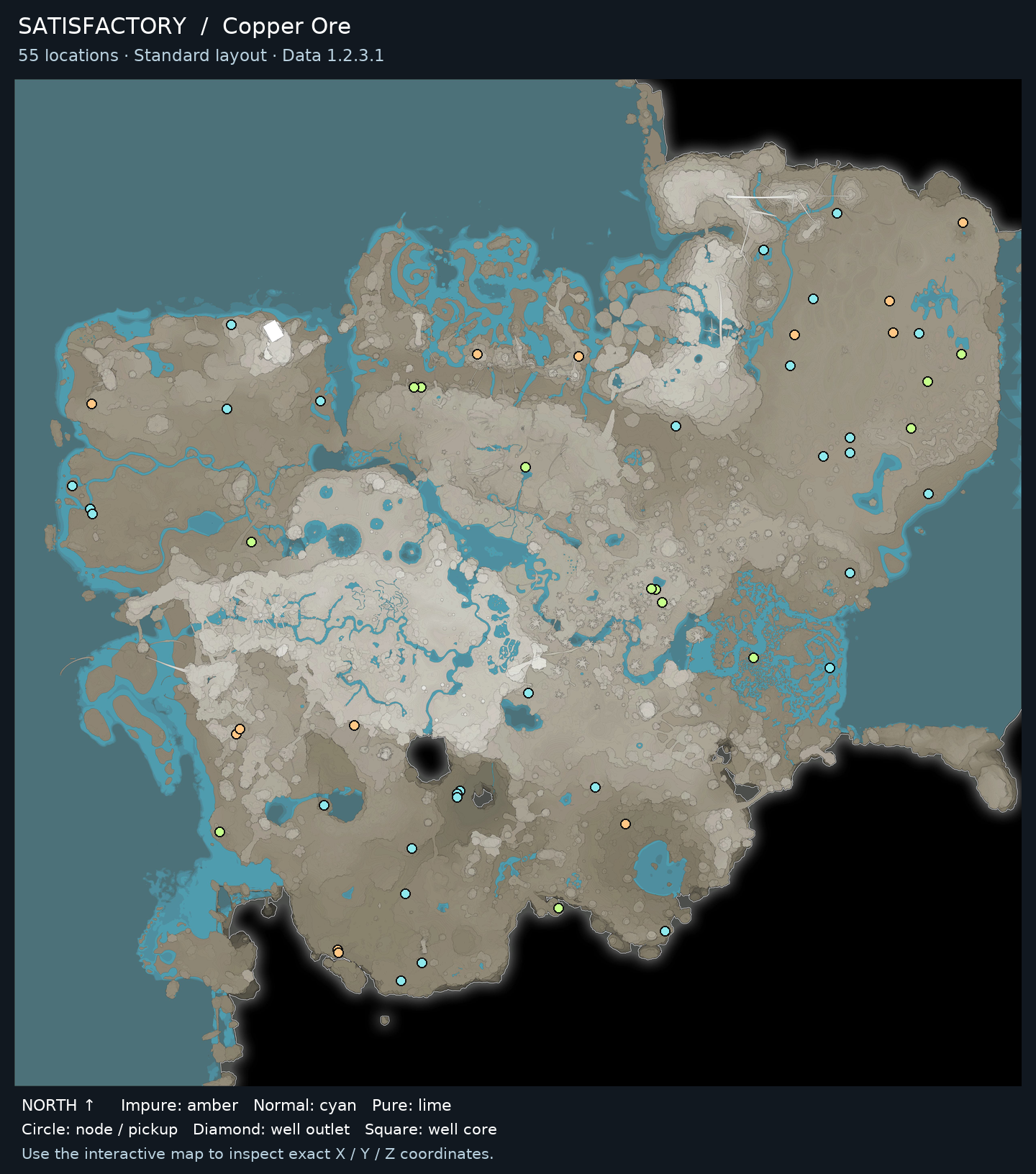
Copper Ore locations on the Satisfactory world map · Standard resource layout · Data 1.2.3.1
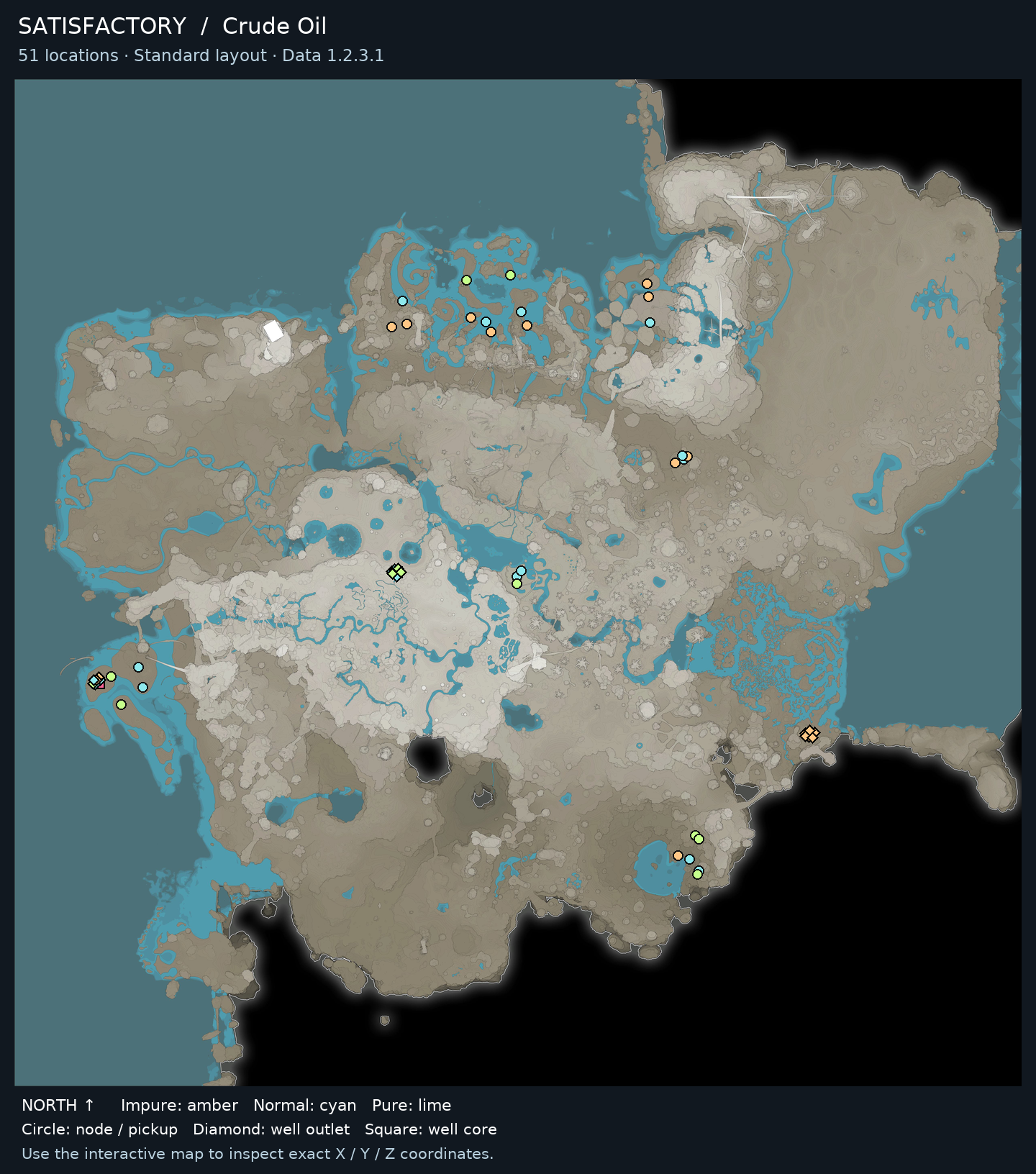
Crude Oil locations on the Satisfactory world map · Standard resource layout · Data 1.2.3.1
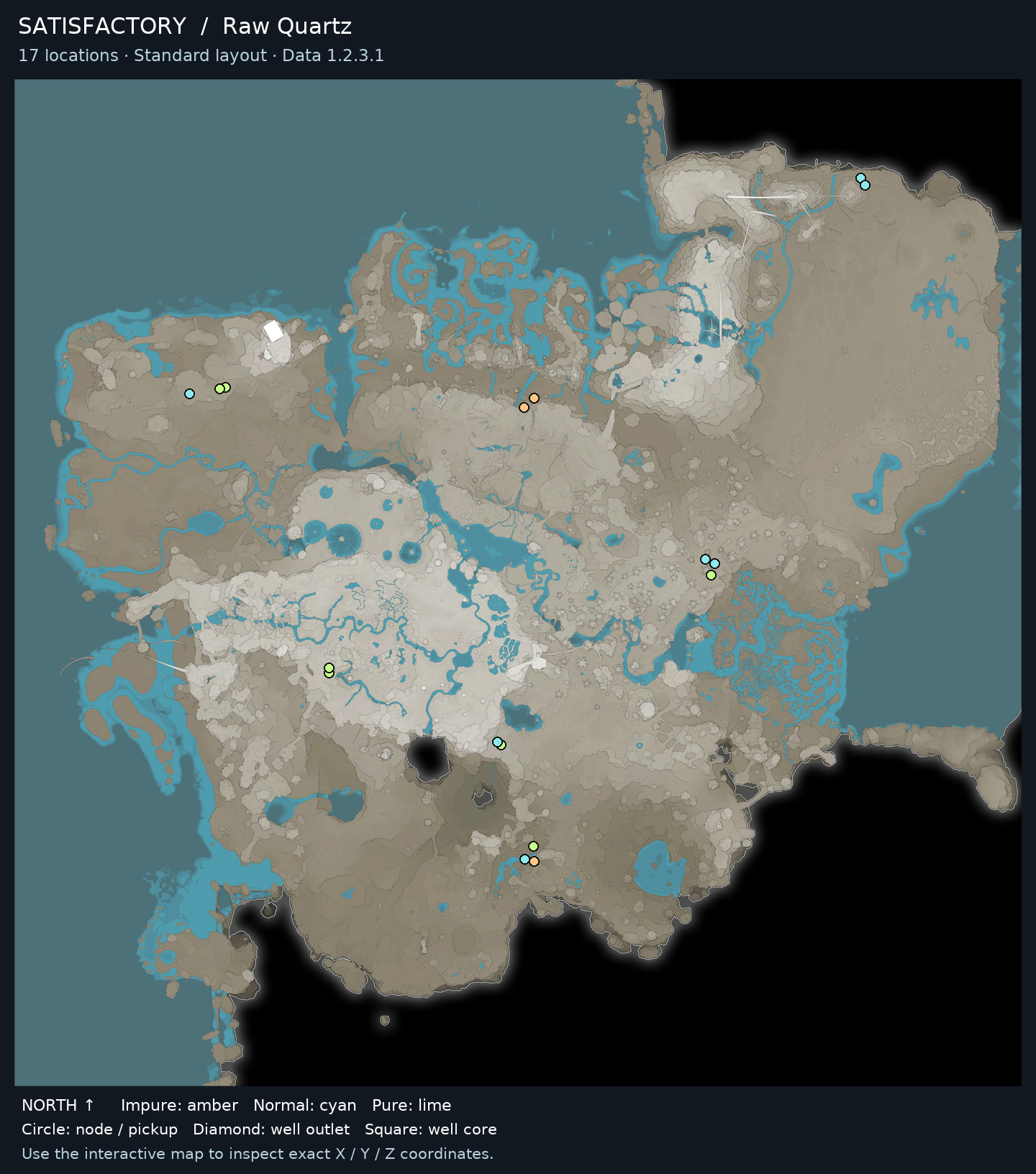
Raw Quartz locations on the Satisfactory world map · Standard resource layout · Data 1.2.3.1
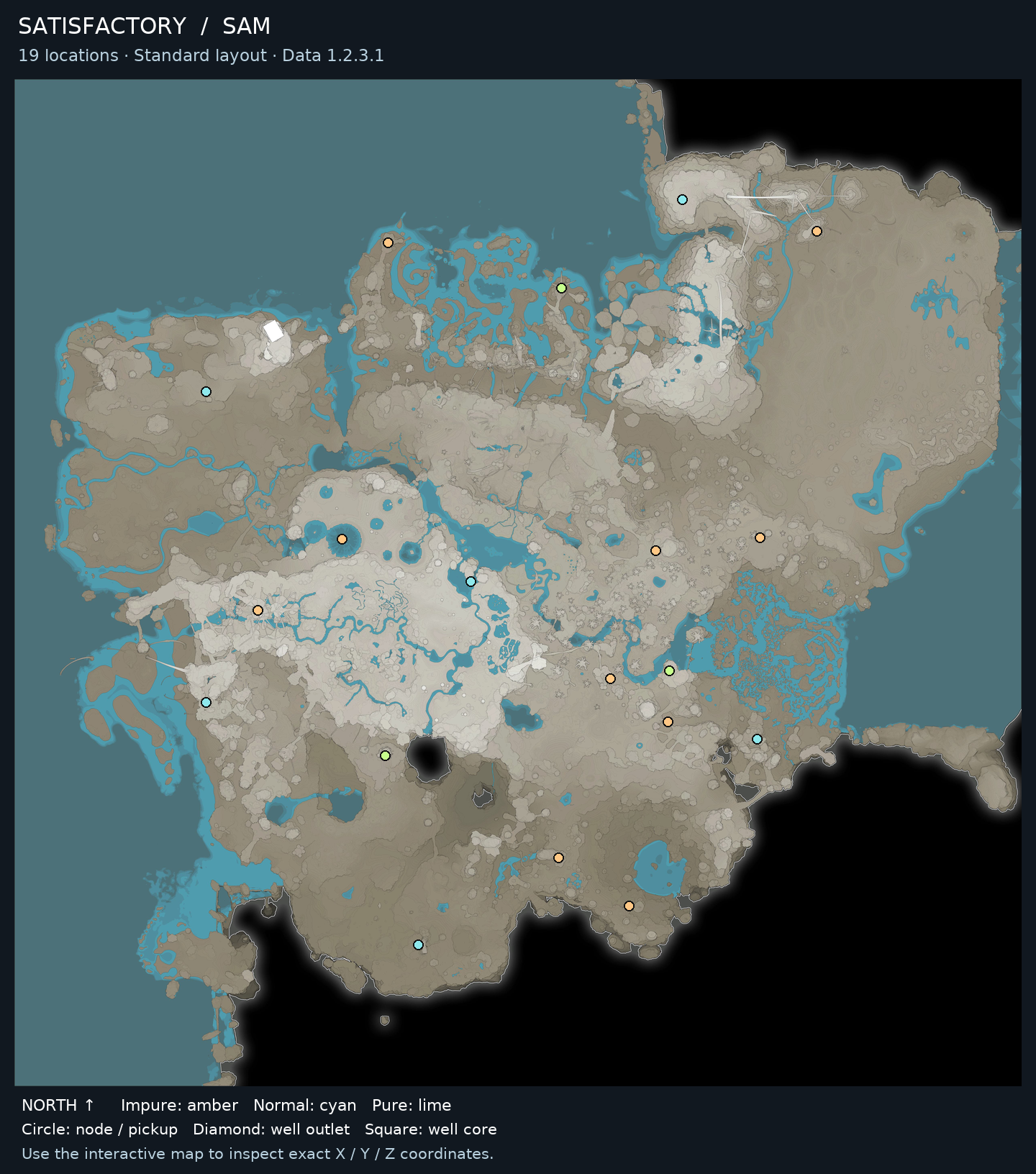
SAM locations on the Satisfactory world map · Standard resource layout · Data 1.2.3.1

Before you go

Farming steps

  1. Unlock the Neural-Quantum Processor recipe and Quantum Encoder through normal progression.
  2. Establish supply for Time Crystals, Supercomputer, and Ficsite Trigons, then connect them to the encoder.
  3. Connect Excited Photonic Matter at 25 m³ per recipe cycle and verify the fluid input is available.
  4. Provide a fluid output connection for the 25 m³ Dark Matter Residue coproduct before relying on continuous operation.
  5. Run the Quantum Encoder and route Neural-Quantum Processors to AI Expansion Server production or storage.

Repeat, collect and use

Maintain input and residue handling while processors are needed downstream; inspect the encoder if output stops despite adequate solid ingredients. Check both fluid connections as well as the solid feeds before expanding the line.

Common mistakes

  • Ignoring the Dark Matter Residue coproduct until the fluid output blocks production.
  • Treating Excited Photonic Matter as a solid item instead of supplying the stated fluid volume.
  • Looking for a natural processor resource rather than constructing the Quantum Encoder production setup.

When to stop or switch

Stop the Encoder when the processor stock meets the planned AI Expansion Server run and the residue buffer or network is handled.

Sources & fact checks

What you can get here

Open a guide to find other locations and see what the item is used for.