Resource locations
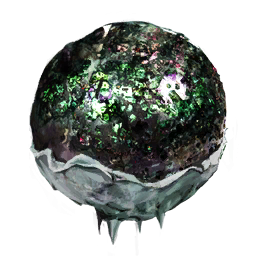
Mercer Sphere
Mercer Spheres are placed alien artifacts collected at world locations shown on the map.
View 1 map ↗Use the on-page map to locate Mercer Sphere markers and travel to a shown location. The map identifies locations but does not provide a guaranteed route or confirm whether you have already collected a sphere.
Filter a resource, then select a marker or location below for its purity, elevation and coordinates. The map is hosted here.
Standard resource types and purity · Game-data snapshot 1.2.3.1. Randomized worlds differ. Nearby markers may be separated by cliffs or caves.
298 Mercer Spheres locations
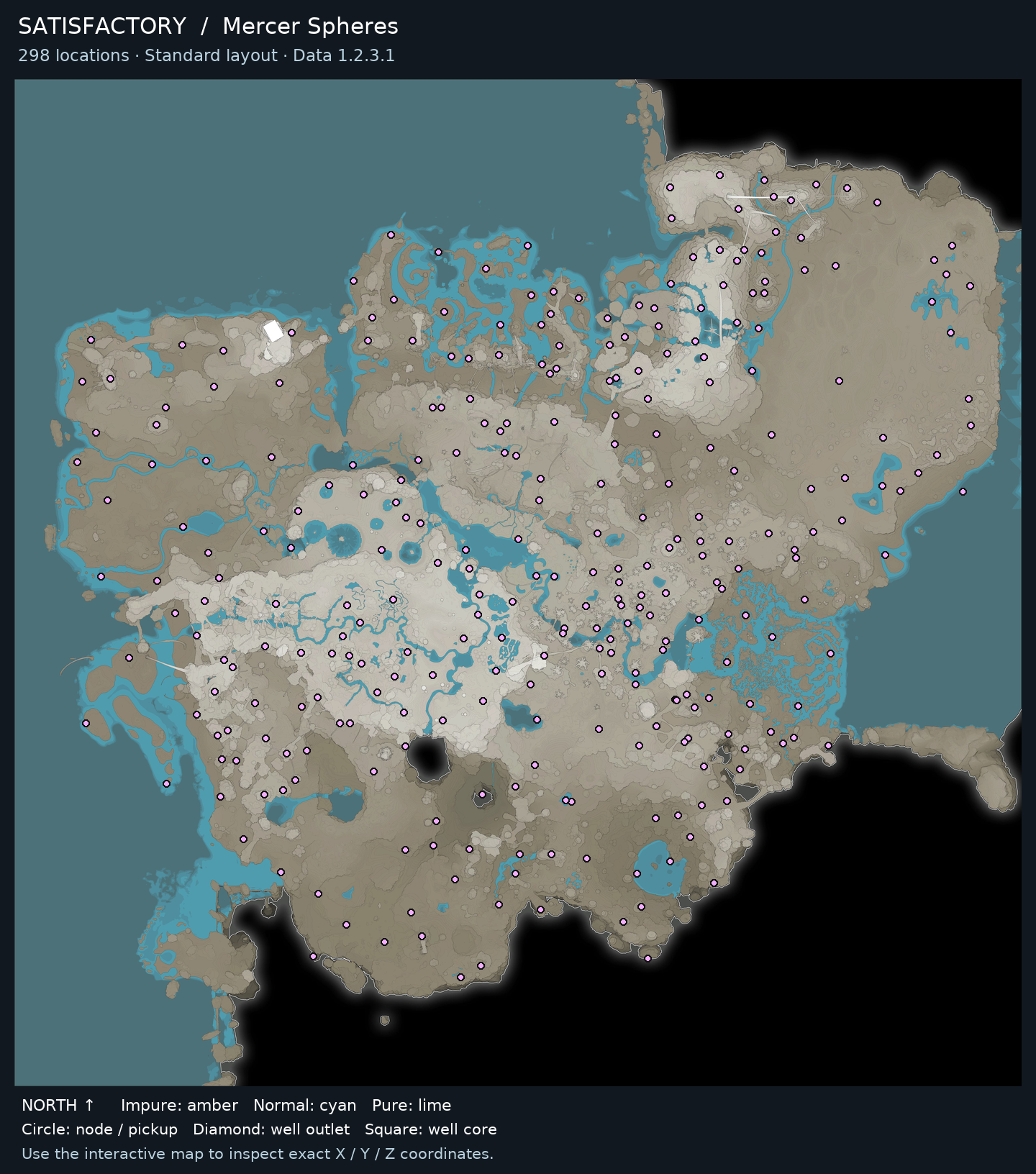
● Impure: amber● Normal: cyan● Pure: lime◆ Well outlet■ Well core
Repeat with another marked location when you want to collect another placed sphere; each is a separate pickup. Use your in-game inventory and exploration history to avoid revisiting collected locations.
Stop searching a location once the artifact is collected or the marked spot is confirmed inaccessible in your current session.
Open a guide to find other locations and see what the item is used for.
Mercer Spheres are placed alien artifacts collected at world locations shown on the map.
View 1 map ↗