Automation and logistics
Resource Node Scan
The Resource Scanner narrows exploration to nodes of an unlocked resource type. Using it before building helps turn a search…
View 2 maps ↗Use the scanner radial menu in the world. It locates unlocked resource types and points toward node groups; the nearest options and their usefulness depend on your current position and map state.
Filter a resource, then select a marker or location below for its purity, elevation and coordinates. The map is hosted here.
Standard resource types and purity · Game-data snapshot 1.2.3.1. Randomized worlds differ. Nearby markers may be separated by cliffs or caves.
127 Iron Ore locations
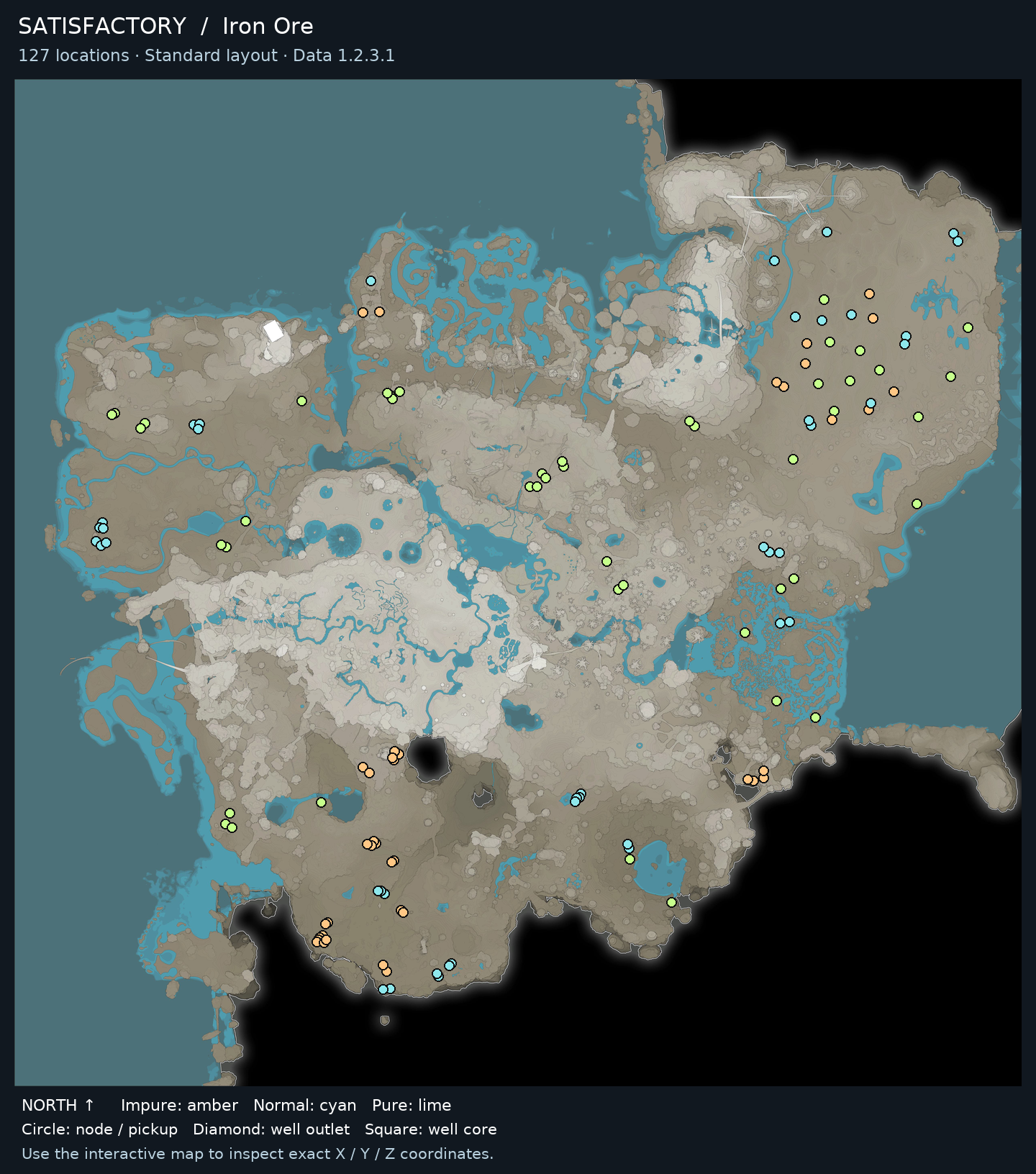
● Impure: amber● Normal: cyan● Pure: lime◆ Well outlet■ Well core
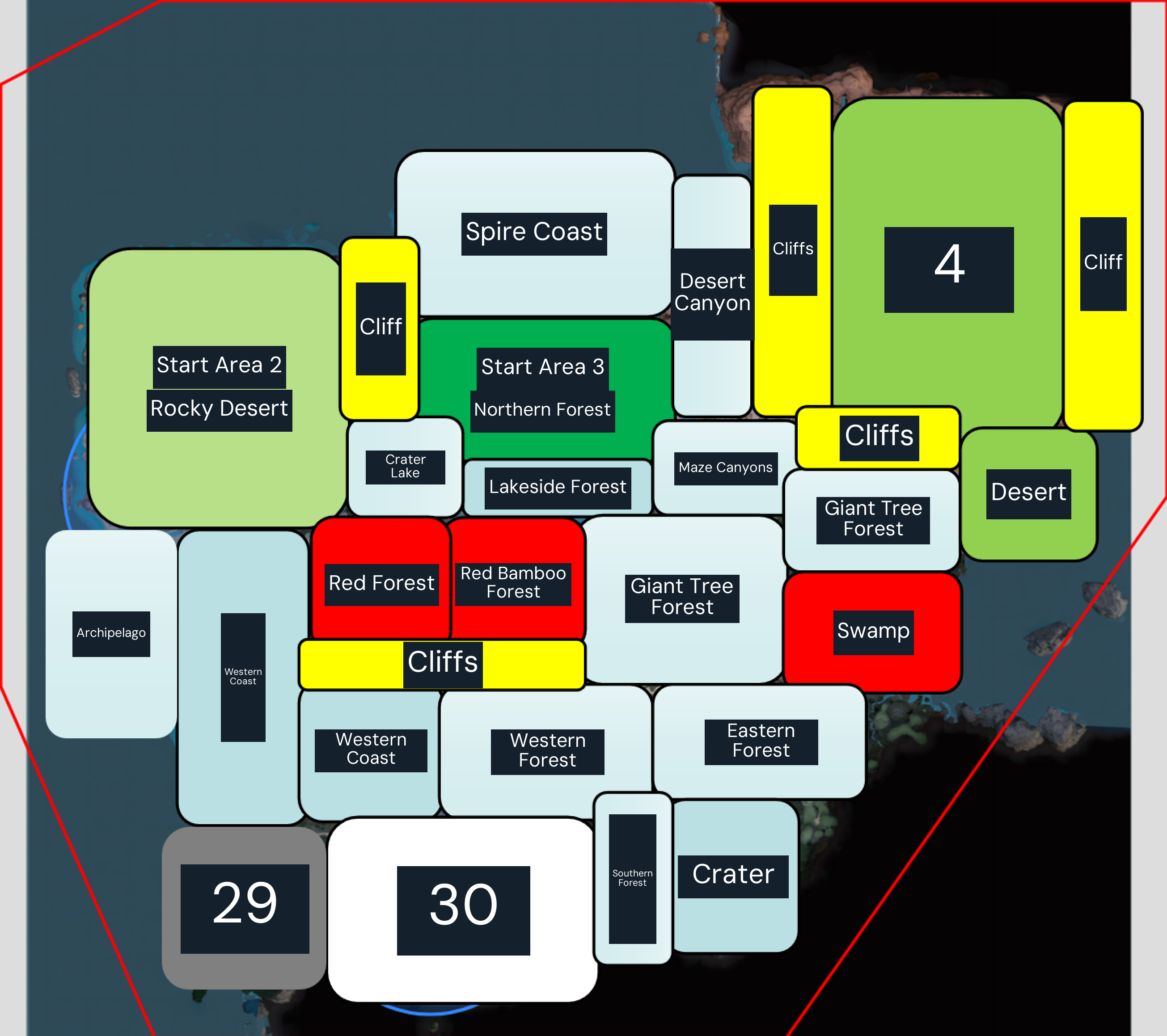
Scanning is a repeatable search action; select the desired unlocked resource whenever you need another candidate site. Any sample collection and related research are progression tasks and do not need repeating after completion.
Stop scanning once you have selected a viable node with enough expected supply for the planned line. Scan again if the route is impractical, the node is unsuitable, or your production goal changes.
Open a guide to find other locations and see what the item is used for.
The Resource Scanner narrows exploration to nodes of an unlocked resource type. Using it before building helps turn a search…
View 2 maps ↗