Uses the displayed Oil Cost Limit to choose a safe fleet for repeat sorties without wasting sortie capacity.
Mobile / English Global
WHERE & HOW TO FARM
Where to farm
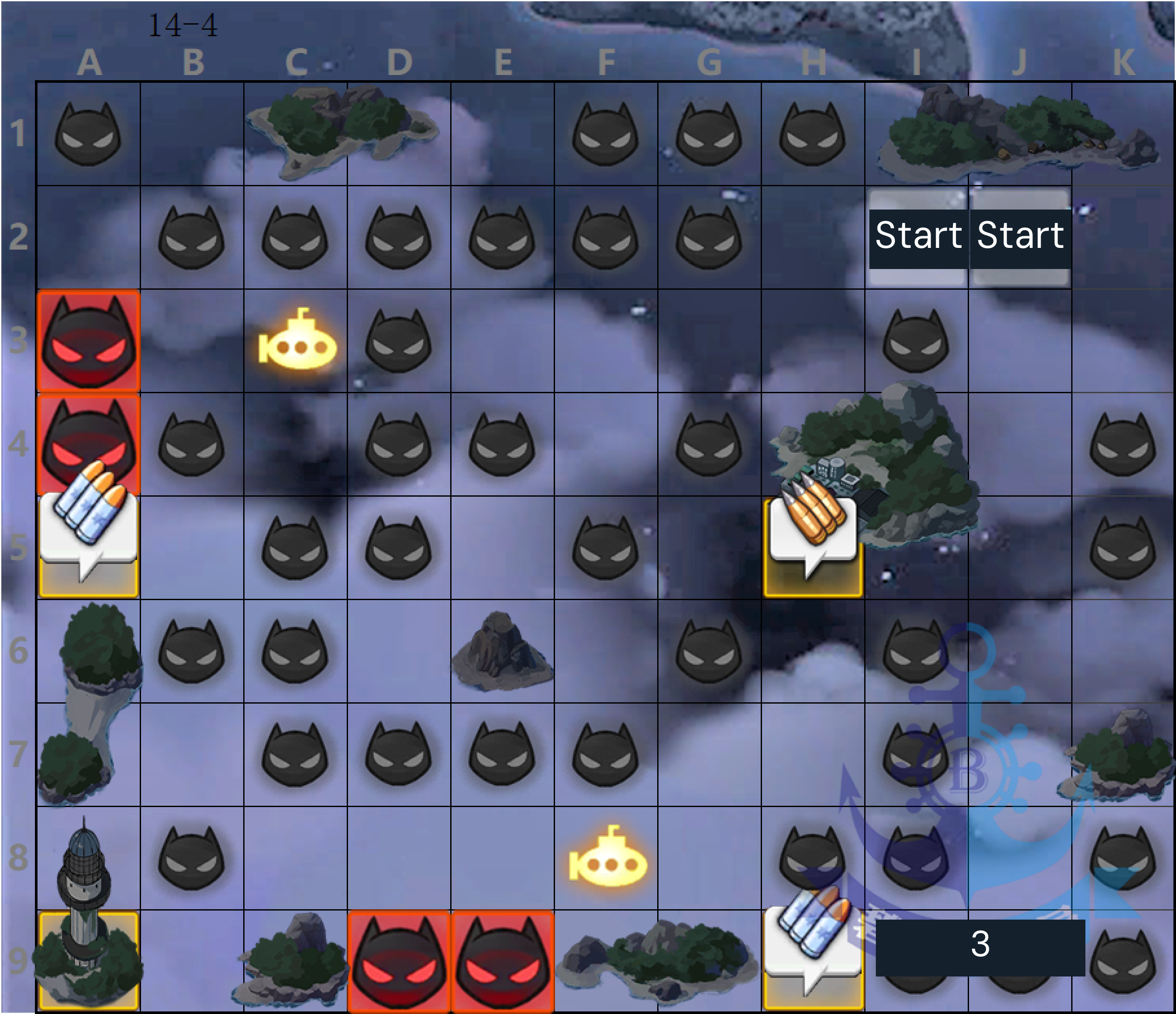
Campaign stage screen → a map displaying Oil Cost Limit.
Campaign stages with an Oil Cost Limit cap the oil charged per battle, changing the value of bringing a smaller fleet. The farming reference identifies stages from 9-1 onward as oil-capped, but always check the stage screen in the current game. When a compact team already reaches the cap and clears reliably, adding ships may not reduce the battle cost. Use a full fleet when you need its extra experience, safety, or strength; this guide is about making a deliberate choice, not forcing a low-cost formation.
Unlock a campaign stage that shows an Oil Cost Limit.
Confirm the cost limit and fleet requirements on the stage interface.
Have a compact fleet that can clear the stage safely, or a full team when needed.
Know whether your priority is oil use, experience, or reliable completion.
Open the chosen campaign stage and confirm that its interface displays an Oil Cost Limit.
Review the current battle’s fleet cost and compare it with the displayed cap.
If a smaller team already reaches the cap, consider whether a full fleet adds useful experience or safety.
For a ship or gear farm, start with a formation that clears consistently rather than removing ships blindly.
Complete a sortie and check the actual oil spent and result.
If the run was safe and oil cost was capped, keep the formation; if it struggled, add ships or use your clear fleet.
Repeat while the stage remains useful, reassessing if your goal changes from drops to leveling.
Farming tips
The older campaign farming reference places the first oil-capped chapter at World 9; verify the actual cap on the stage screen.
Hard Mode and daily challenges have limited entries, so a full fleet can be the practical choice there even when oil matters elsewhere.
Repeat, collect and use
Repeatable for any eligible campaign stage. The Oil Cost Limit is stage-specific; use the in-game display rather than assuming all maps share one value.
Common mistakes
Using a tiny fleet that fails or needs repeated repairs; safe completion is part of efficiency.
Assuming a cap exists on every stage; check the stage interface first.
Ignoring experience goals; more ships can be useful when leveling is the priority.
When to stop or switch
Stop adjusting once the chosen team reaches the cap and clears dependably, or return to a full fleet if battle safety or experience becomes more valuable than oil savings.